Transform Your Voice Into Text Instantly

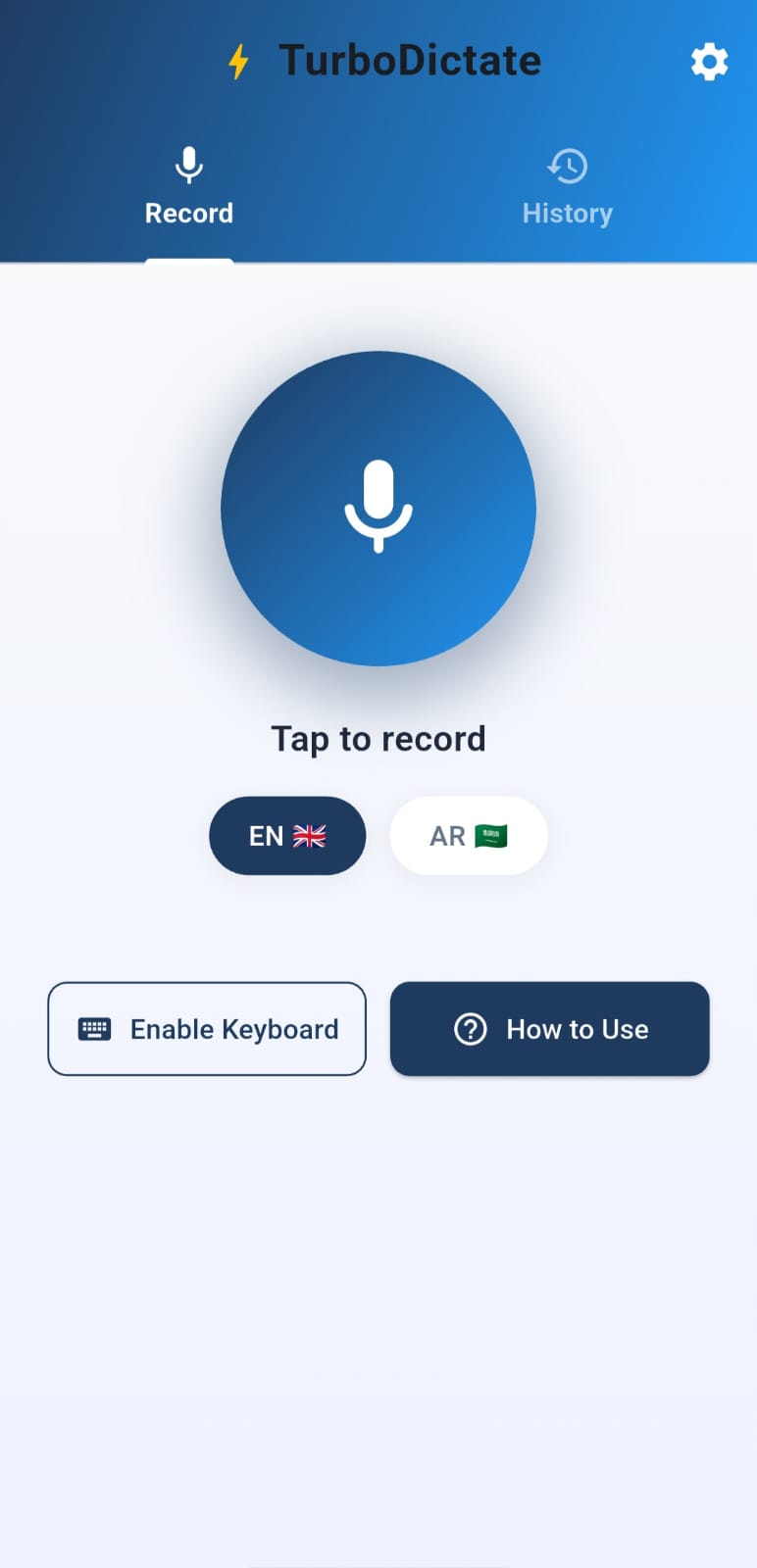
TurboDictate is a fast, private voice-to-text app powered by AI. Simply speak, and watch your words appear on screen in seconds. Perfect for notes, messages, documents, or anywhere you need to type. Available for Windows desktop and Android mobile.

TurboDictate Mobile App
Mobile App
TurboDictate Desktop App
Windows
TurboDictate Keyboard
Voice Keyboard

Why TurboDictate?

Fast, accurate, and private voice transcription for everyday use.

Lightning Fast

Powered by Groq's Whisper AI for near-instant transcription. Your speech becomes text in seconds.

🌐

Multi-Language

Supports English and Arabic transcription. Speak in your preferred language.

🔒

Privacy First

Audio is processed and immediately deleted. Your recordings are never stored on any server.

Global Hotkeys (Windows)

Press Alt+R anywhere on your PC to start dictating. Text is automatically pasted where you need it.

Custom Keyboard (Android)

Use TurboDictate as your voice input keyboard. Dictate directly into any app on your phone.

📋

History & Copy

All your transcriptions are saved locally. Easily copy or reuse any previous text.

Download TurboDictate

Choose your platform and start dictating in minutes.

💻

Windows

Desktop app with global hotkeys. Works anywhere on your PC.

Download for Windows

Version 1.2.0 · Windows 10+

📱

Android

Mobile app with custom keyboard. Dictate into any text field.

Download for Android

Version 1.2.0 · Android 7.0+

💡

Installation Tips

Windows: If you see "Unknown publisher", click "More info" then "Run anyway".
Android: Enable "Install unknown apps" in Settings before installing the APK.

Important: Enter Your Real Name

When you first launch the app, you'll be asked to enter your name. Please use your real, correct name as it's used to track your usage limits across all devices and platforms.

Same name everywhere: If you use TurboDictate on both Windows and Android, please enter the exact same name on both so we can track your usage together.

Privacy: We only collect your name — no email, no personal data, nothing confidential. Your privacy is fully respected.

How to Use

Get started in just a few steps. Select your platform below.

1

Install & Launch

Run the installer. If you select "Launch immediately", the app will start and appear in your system tray (bottom-right corner, near the clock).

2

Enter Your Name

On first launch, enter your real name. Use the same name on all devices so your usage is tracked together.

3

Use Hotkeys Anywhere

Press Alt+R for English or Alt+A for Arabic to start recording from any application.

4

Speak & Stop

Speak clearly, then press Tab or click Stop. Your text is automatically copied to clipboard and pasted where your cursor is!

1

Install & Enter Name

Install the APK, accept the privacy policy, then enter your real name. Use the same name on all devices.

2

Enable Keyboard

Tap "Enable Keyboard" and toggle ON "TurboDictate Voice" in settings. Android shows a warning - this is normal, tap "OK".

3

Switch to TurboDictate

In any app, long-press the mic/globe icon on your keyboard, select "Input method", then choose "TurboDictate Voice".

4

Start Dictating!

Tap the mic button to record, tap again to stop. Your speech is transcribed and pasted instantly!